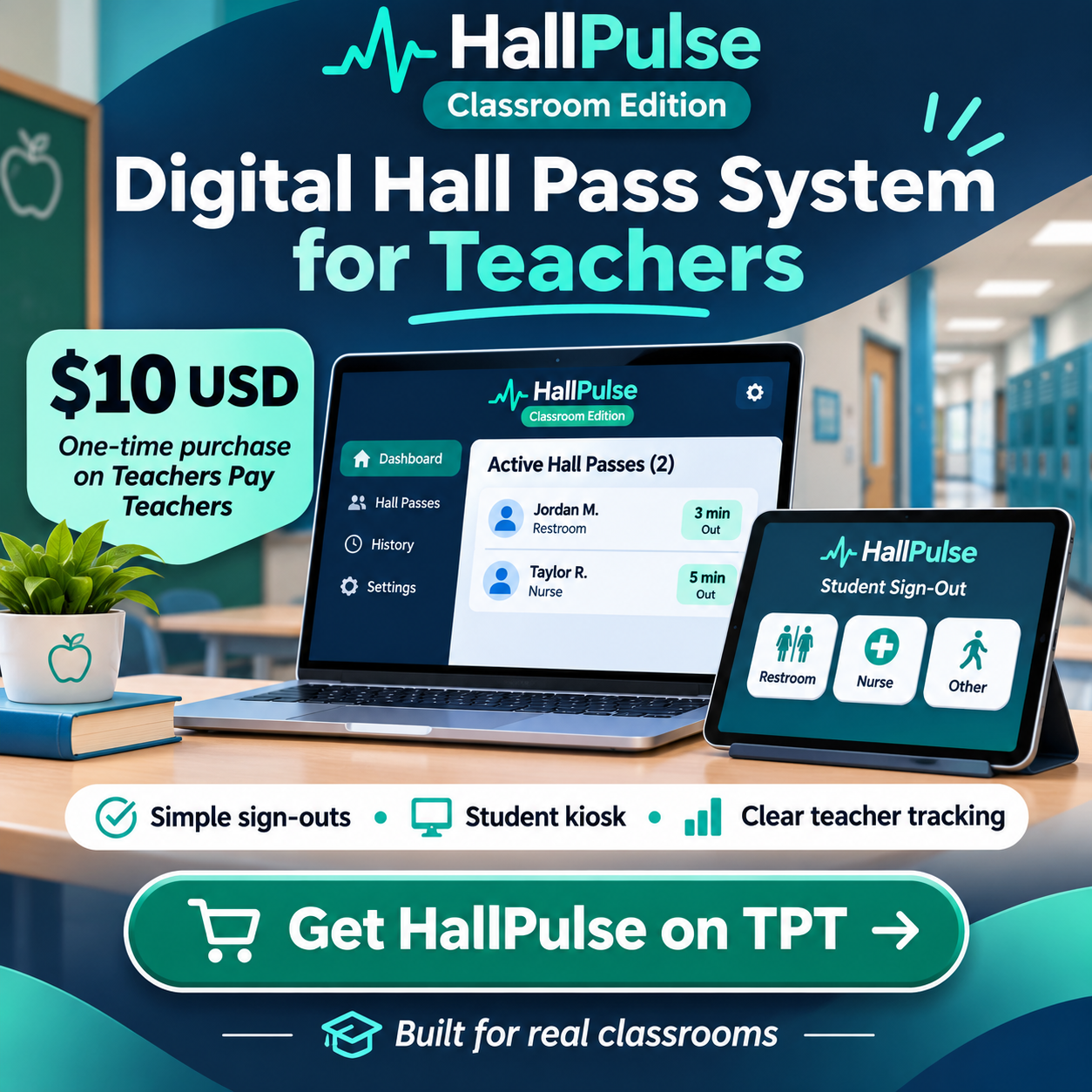
Fast for students. Useful for teachers.
A digital routine built around leaving the classroom, returning promptly, and keeping the teacher informed.
1. Set up your classroom
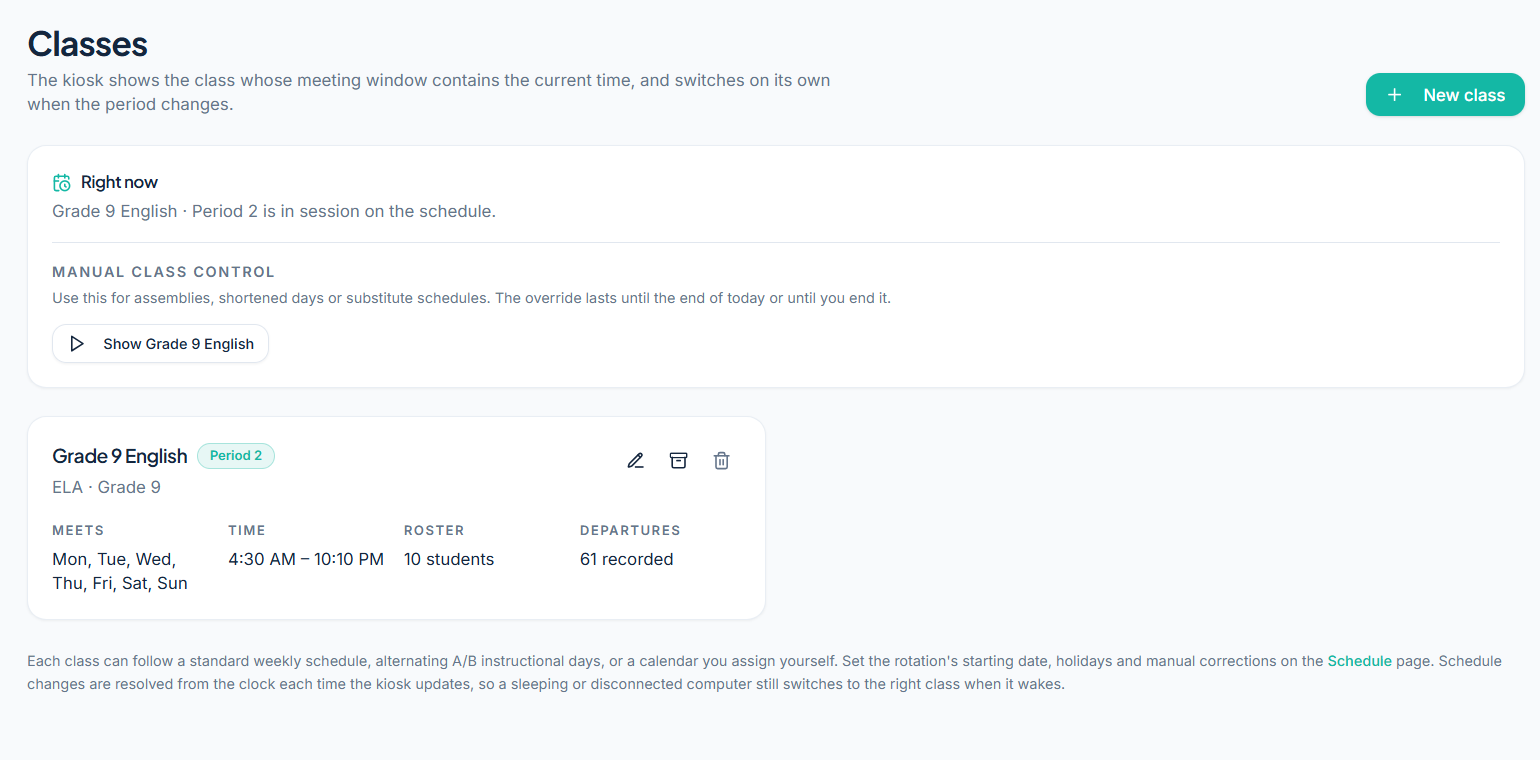
Create your classes and class periods, add students individually or import a roster, and select the destinations students can request. You can adjust the student display format and whether a queue is enabled.
2. Choose how students access the kiosk
Use your primary teacher device in kiosk mode, or pair one secondary device using a six-digit code and a matching confirmation fingerprint approved on the primary.
The secondary kiosk lets students handle sign-outs while the teacher retains access to the dashboard on the primary device.
3. Students sign out and sign back in
A student taps their displayed name, selects a destination, and signs out. Their departure is visible to the teacher. On return, a simple tap closes the pass.
When the one-at-a-time queue is enabled, waiting students keep their place and the next turn can proceed as a returning student signs in.
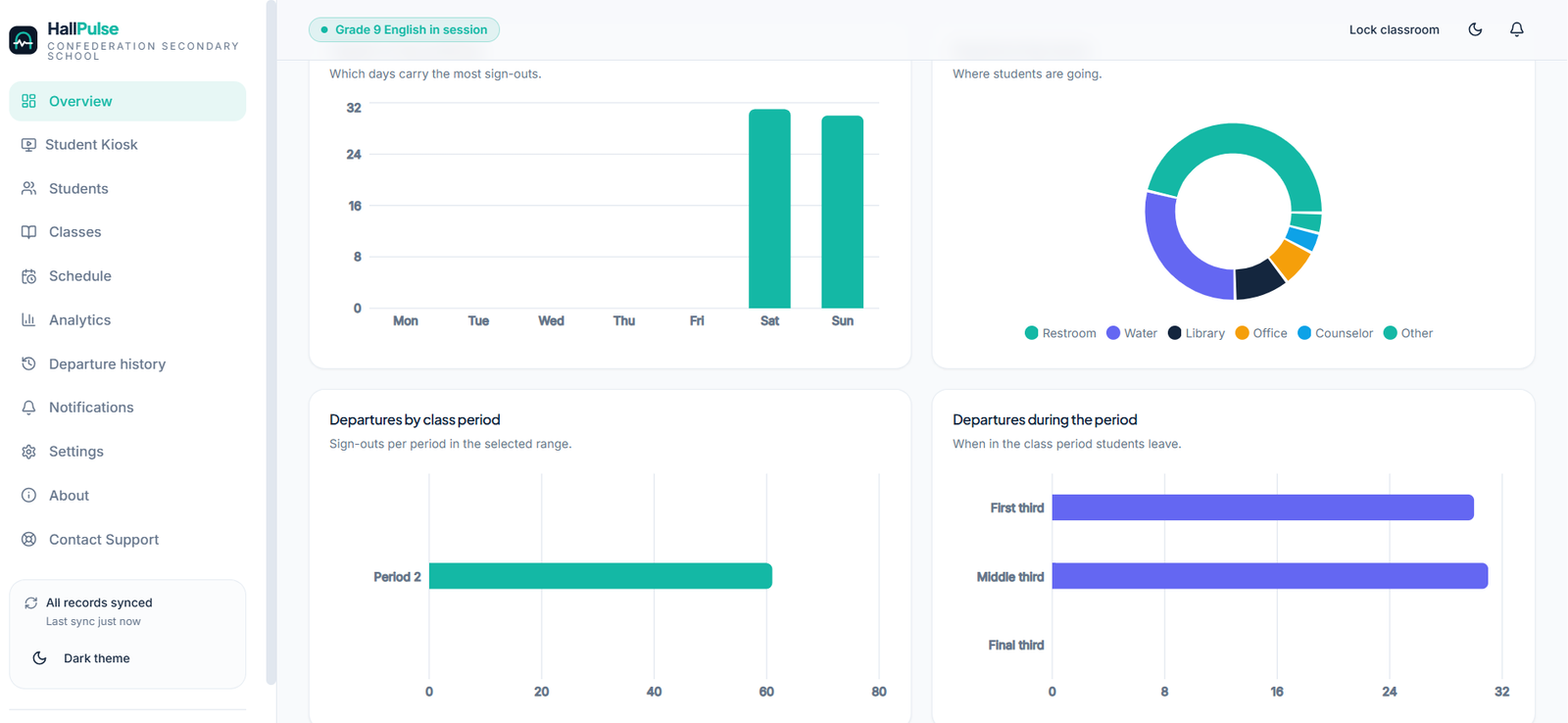
4. Review patterns, not just individual passes
Teachers can examine their own available sign-out history and analytics, including summaries and PDF reporting, to see whether classroom routines need adjustments.
The app includes local encrypted classroom records and mechanisms to queue activity during network interruptions, but schools should test their devices and connectivity before live use.