
Digital Hall Pass Implementation: A Four-Week Pilot Plan for Schools
Rolling out a digital hall pass system should not begin with a district-wide launch email. A limited pilot gives schools time to test whether the process is genuinely quicker for students, easier for staff, and compatible with existing supervision and privacy practices.
Four weeks is a useful planning structure for a modest pilot, although a school can adjust the pace. The purpose is to learn before making commitments to a wider rollout.
Before week one: define the scope and guardrails
Choose a small set of participating classrooms with different schedules and hallway patterns. Identify an administrator, an IT or privacy contact, and teachers who are willing to provide candid feedback. Confirm the school’s approval process for new student-facing technology before collecting any real records.
State the exact problem being tested: perhaps missing returns, repeated interruptions, or unclear queues. Record the current routine so later feedback is based on a real comparison. Agree that necessary restroom access, accommodations, and emergency procedures will not depend on successful use of the pilot.
Week one: setup and staff practice
Configure sample classes, destinations, and permitted users. Test the kiosk with fictional students before entering real roster information. Check what appears on a shared screen, who can access the teacher dashboard, and whether a visitor could see information unnecessarily.
Run a staff walkthrough that covers normal sign-out, return, canceled requests, class changes, and recovery after a connection interruption. Provide a short substitute-teacher instruction sheet and a simple paper fallback.
Week two: teach and observe the student routine
Introduce the procedure in participating classrooms. Demonstrate the steps live, especially the return action. Observe where students hesitate, which labels cause confusion, and whether the device is physically easy to reach. Listen to students who may need accommodations or a non-digital option.
Keep the first week’s behavioral expectations modest. The aim is to identify friction. Record examples of interruptions, abandoned sign-out attempts, and unclear queue situations without naming students in informal pilot notes.
Week three: review records and staff feedback
Look at operational questions: Are return records completed more consistently? Can teachers tell who is out without leaving instruction? Are there delays caused by the device or network? Do students understand when a queue applies?
Do not assume that higher recorded departures mean more hallway misuse. Better logging can simply reveal trips that paper methods missed. Compare like with like and ask teachers about classroom experience rather than relying solely on dashboard totals.
Week four: decide what must change
Bring teachers, IT, school leadership, and student-support staff back together. Sort findings into three groups: problems that must be solved before continuing, usability improvements that can be scheduled, and optional features that are not necessary for the school to meet its goals.
Create a short report with the pilot’s scope, privacy and accessibility review status, staff feedback, support needs, and recommended next action. It is entirely acceptable for that action to be ‘extend the pilot’ or ‘keep the simpler existing procedure.’
Test the uncomfortable scenarios
Before expanding, rehearse a Wi-Fi interruption, a device lost or unavailable during class, a student unable to use the kiosk, a substitute who has never seen the software, and a scheduled period ending while a pass is still open. Identify exactly who is responsible for each response.
The same principle applies to organizational access. A school-wide tool needs robust staff permissions, separation between classrooms, and clear support arrangements—capabilities that should be verified rather than assumed from an individual classroom license.
Measure more than usage
An adoption percentage alone does not prove the tool improved the school day. Useful pilot indicators include time required to sign out, the number of unclosed passes needing review, teacher-reported interruptions, staff confidence, and feedback on fair access for students.
The U.S. Department of Education’s school climate guidance reminds educators that safety is only part of a broader supportive environment. Evaluate hallway technology through that wider lens.
Next steps with HallPulse
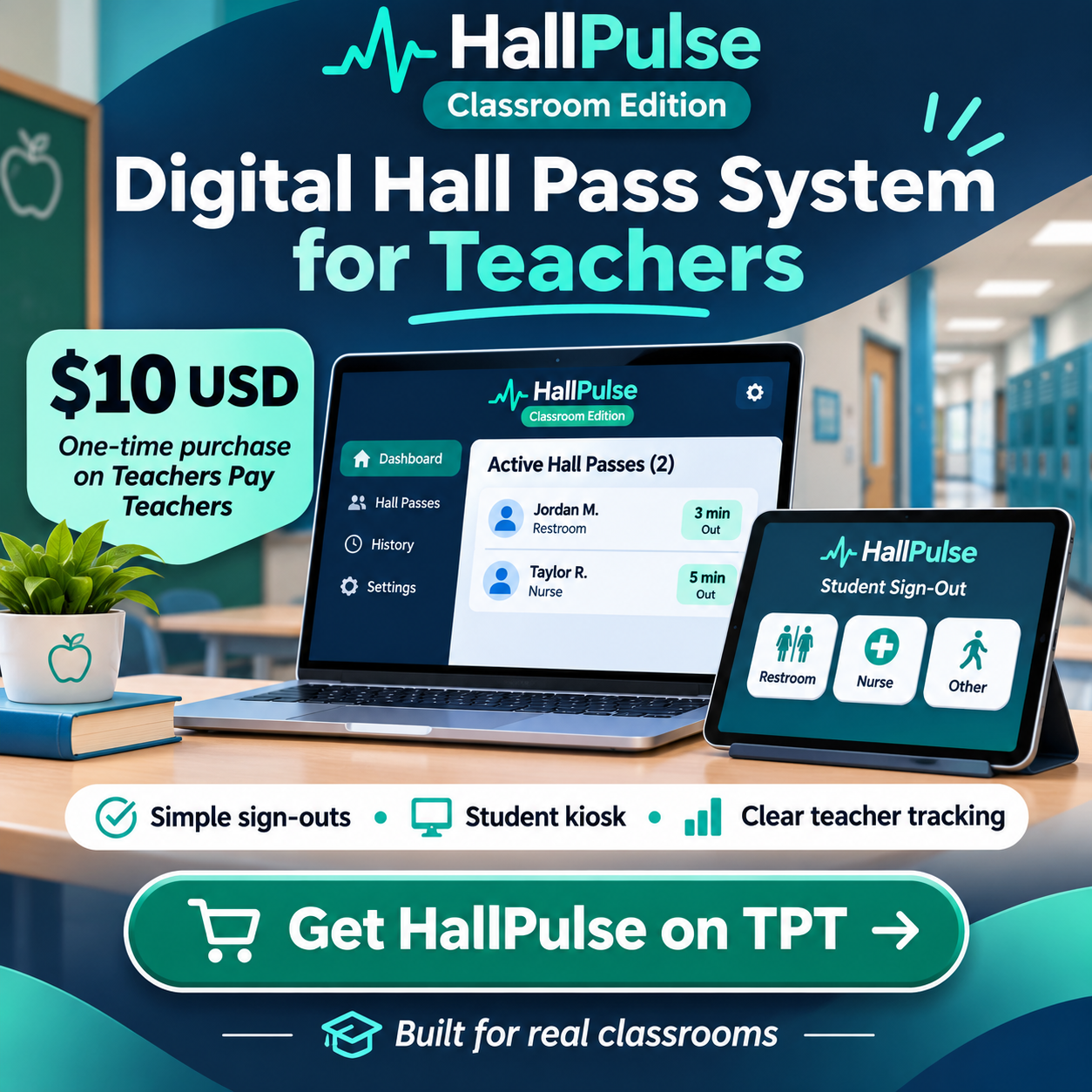
An individual teacher can explore HallPulse’s classroom workflow, while administrators considering coordinated deployment can discuss a school-wide HallPulse solution. Larger features, support, security requirements, and pricing should be agreed before any expansion.
Frequently asked questions
Should a pilot include every grade?
Not necessarily. Include enough different classroom situations to spot practical problems, but keep the first phase small enough to support well.
What counts as a successful digital hall pass pilot?
A successful pilot demonstrates a clear operational benefit without creating unacceptable privacy, accessibility, supervision, or staff-workload issues.