What Should a Digital Hall Pass Record? A School Data Checklist
Digital hall pass systems can collect a surprisingly detailed history of student movement. That does not mean schools need every possible field. A thoughtful record should help an authorized educator answer a narrow operational question without creating an unnecessary student profile.
Before choosing a system, distinguish useful departure information from sensitive or speculative data. Good information design is a privacy decision as much as a software decision.
Start with a documented purpose
Write down why the school is recording trips. Common reasons include identifying who is currently out, closing departure records when students return, and reviewing whether a classroom routine is working. If a proposed field is unrelated to those goals, question whether it belongs in the form.
A school’s policy and local laws may require additional details for specific workflows, but those requirements should be identified explicitly rather than assumed. The principle is to collect enough to run the system, not everything a dashboard could display.
The essentials: identity, time, status, and destination
A basic pass often needs a student or classroom identifier, the relevant class or period, the time a departure began, and whether the student returned. A broad destination category—such as restroom, water, office, library, or other—may help with supervision and routine management.
Use descriptive field labels and reliable timestamps. A recorded return is different from an automatically closed session at the end of a period. An application should make that distinction visible instead of reporting an inferred return as a confirmed one.
Information to avoid by default
Do not collect medical diagnoses, detailed health explanations, personal messages about why a restroom trip is necessary, or unrestricted free-text commentary just because the software permits it. These fields introduce unnecessary exposure and can shift a logistical tool toward student profiling.
Likewise, avoid public leaderboards, punitive labels, and automatic conclusions about student motives. A student who leaves frequently may have many legitimate reasons. A pass log cannot explain those reasons on its own.
Control who can see each type of record
The student kiosk may only need enough information for a student to select the correct name. The classroom teacher needs live departure status. An authorized administrator may need a different, narrower view for defined school operations. Those are not interchangeable roles.
Ask how staff access is granted, removed, and reviewed; whether shared devices stay signed in; and what happens when a teacher changes schools. For a larger deployment, permissions must be enforced by the application, not merely by giving each school a different URL.
Choose a retention period, not an indefinite archive
Decide how long individual trip records need to remain available and who can approve deletion or export. The appropriate period depends on applicable policies, laws, and the school’s purpose. Keep backups, recovery files, and copied reports within the same review.
A deletion procedure should cover more than the visible dashboard: consider offline devices, synchronized event logs, vendor backups, and exported PDFs. Document any limitations before purchasing software.
Ask vendors about offline and cloud processing
Some products store data locally, others send identifiable records to a server, and some use combinations of local storage and pseudonymized events. These descriptions are not interchangeable. Ask exactly what moves between devices, what remains readable to the service, and what encryption protects.
In the United States, the Department of Education advises teachers to check whether a classroom application is approved and consult school or district IT before using tools that may process student education information. Its FERPA guidance for classroom apps is a useful starting point, though your school must make its own compliance assessment.
A six-point review for administrators
Ask: What information is necessary? Who has access? Where is each field stored? How long is it kept? How is it deleted? What happens offline or during a failure? Request precise answers and supporting technical documentation instead of relying on a broad ‘privacy-first’ marketing statement.
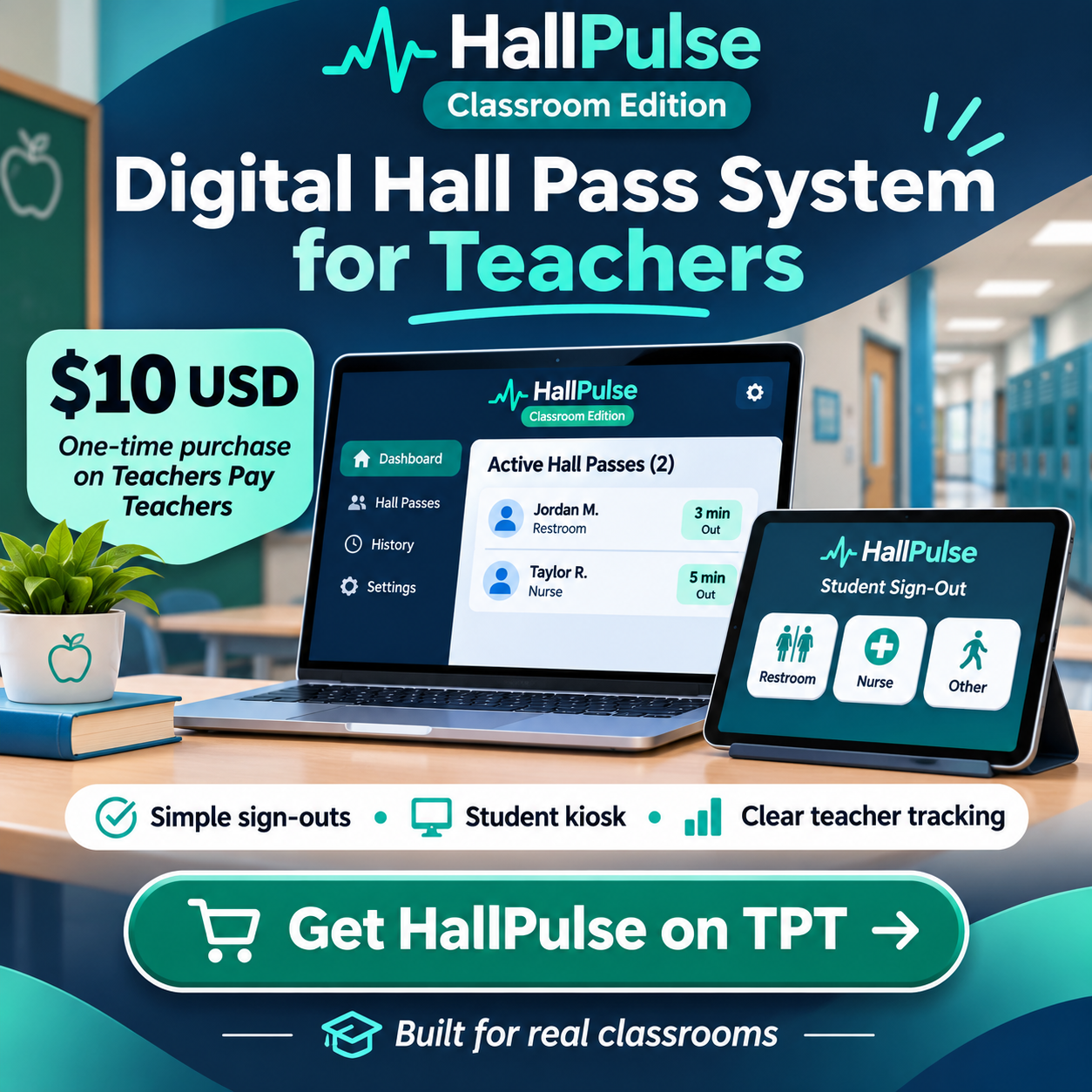
HallPulse’s privacy overview outlines current design considerations; the individual classroom edition focuses on classroom workflows. For district procurement or shared administration, contact us through HallPulse for Districts to discuss requirements.
Frequently asked questions
Is anonymized data the same as pseudonymized data?
No. Pseudonymized records may still be linkable to an individual with additional information. Treat them as potentially sensitive when evaluating access, retention, and vendor practices.
Should students see one another’s travel history?
Generally, other students do not need access to detailed departure histories. Design the kiosk to expose the minimum information needed for use.