
Digital Hall Passes vs. Paper Passes: Which Works Better for Schools?
Paper passes and digital hall pass tools solve the same basic problem: communicating that a student has left class and recording an expected return. Choosing between them is not simply a technology decision. It is also a decision about staff workload, student privacy, school culture, and the kind of information educators need.
Here is a practical framework for evaluating both approaches without assuming that the newer option is automatically better.
Where a paper hall pass still works well
A single classroom with predictable traffic may only need a clipboard, sign-out sheet, or reusable physical pass. Paper is inexpensive, does not rely on a network connection, and is familiar to students and substitute teachers.
The drawbacks are mostly operational: a pass can go missing, a clipboard may be difficult to check during teaching, handwriting may be unreadable, and a sign-out time without a return time provides an incomplete record.
What a digital hall pass can add
A digital system can give students a consistent sign-out interaction, show teachers an organized list of current departures, and make it easier to review patterns across class periods. Some products support kiosk screens, turn-taking queues, offline behavior, or administrator views; these are product-specific capabilities, not automatic features of every digital pass.
The tradeoffs include device availability, technical support, training time, accessibility, network policy, and data stewardship. A system that requires several clicks or constant troubleshooting may create more interruption than the clipboard it replaced.
Compare the approaches by real-world needs
Speed during class
Paper can be faster when a student just signs a name. Digital can be just as quick when the interface uses clear, tap-based actions and remains ready on a dedicated device. Test the actual workflow rather than relying on a feature list.
Visibility of who is out
A digital teacher dashboard may provide a clearer real-time overview. A paper sheet can still work, but teachers may have to walk to the clipboard or decipher entries to check the current situation.
Privacy and security
Paper exposes information to anyone who can see or remove the sheet. Digital systems can restrict access but introduce additional considerations: account security, encryption, cloud data, device access, vendor agreements, and retention. Neither method is automatically private.
Cost and administration
Paper has low upfront costs but ongoing supplies and handling. Digital products have software or licensing costs, devices, support, and training needs. Larger schools should ask whether pricing is per teacher, per building, or per district and who controls the records.
Reliability and accessibility
Paper continues to function during a power or network interruption. Digital systems need a documented fallback, and student-facing devices must be usable by students with a wide range of needs. A hybrid backup routine can make either approach more resilient.
Five questions to ask before choosing a platform
What information is collected? Ask which identifying fields and sign-out events are stored, where they are processed, and how they can be deleted.
Who can see the data? A classroom teacher, front office, building administrator, and district office do not necessarily need identical access.
Can students complete the process quickly? Test the experience with typical classroom devices and realistic network conditions.
What happens when the system is unavailable? Ask about offline operation, synchronization, and what staff do when a device fails.
Does the price match the scope? A teacher-facing tool may suit an individual classroom without meeting the security or administrative requirements of a whole district.
A sensible pilot is more useful than a big rollout
Start with a small group of teachers, document the routine before launch, and ask what becomes easier or harder after a few weeks. Include students who may need accommodations and staff responsible for school safety and privacy.
If a school plans to coordinate many classrooms, treat the pilot as a test of policies, permissions, and support—not just a test of whether the buttons work.
Where HallPulse fits
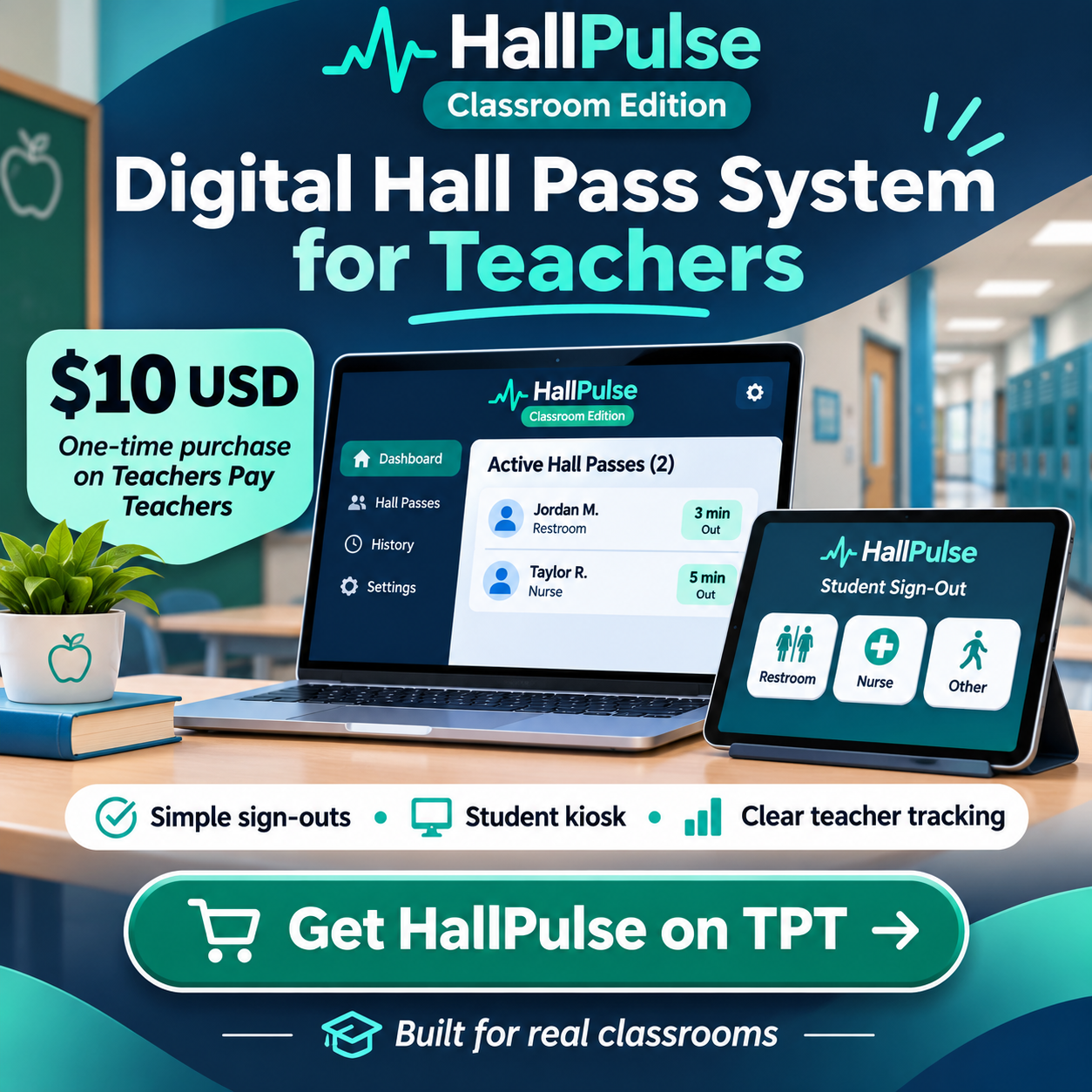
HallPulse Classroom focuses on an easy, student-friendly kiosk, configurable destinations, optional queuing, and classroom sign-out history. It is being offered as a $10 USD one-time individual teacher edition through Teachers Pay Teachers when its listing is published.
School leaders who need coordinated administration should explore HallPulse school-wide inquiries or district planning. Those larger implementations require a separate conversation about functionality, security, and scope.
Frequently asked questions
Are digital hall passes safer than paper?
They can improve record visibility when implemented well, but safety also depends on supervision, school rules, accessibility, and the way the information is used.
Does a school need a digital pass for every student?
Not necessarily. Consider the number of classrooms, the goals of the policy, and whether one shared procedure is practical for your building.